Keep people together
View household information and registration records for individual family members, with participant details in one place.

YOUR BRANDED CUSTOMER PORTAL · COGRAN FRONTPAGE
Give participants, parents, members, and renters one place to explore what you offer—and an account that helps them take care of what comes next.
Your branding. Mobile-friendly access. Connected to Cogran.
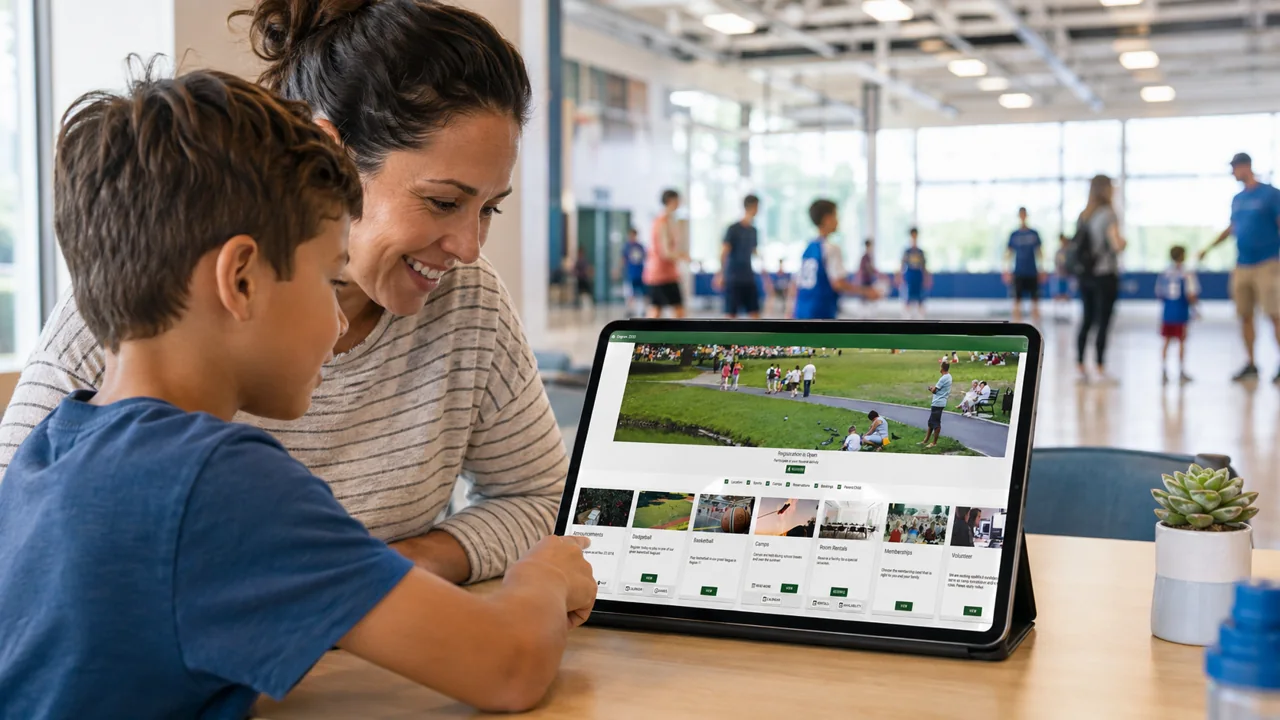
DISCOVER. SIGN UP. COME BACK.
Cogran’s built-in FrontPage connects the public-facing experience with the information your team manages behind the scenes.
Organize programs, camps, memberships, and reservation options into categories. Let customers browse listings or explore by calendar.
Show dates, locations, prices, eligibility, available discounts, and what to bring. Filters help people narrow down the options.
Give customers a route from the offering to registration or purchase, then back to their account for records and payment information.
IT SHOULD FEEL LIKE YOU
Personalize the text, colors, and images. Give each offering room for the information that matters. Use informational cards to introduce your organization or explain something customers need to know.
Need to show sports schedules or facility availability? Your portal can bring those experiences within reach, too.
A CUSTOMER JOURNEY, ILLUSTRATED
Illustrative content, not a product screenshot. Your portal reflects your offerings and branding.
AFTER THE SIGN-UP
Self-service matters long after checkout. Cogran household accounts put everyday information and tasks within reach, helping reduce routine requests to staff.
View household information and registration records for individual family members, with participant details in one place.
Review payment history and yearly totals, display invoices, see upcoming amounts due, and make payments.
Upload and download forms, and access printable participant registration information without asking staff to resend it.
Review upcoming activities, registration history, and available attendance records. Add calendar items to a personal calendar.

HELP CUSTOMERS HELP THEMSELVES
When someone can find an invoice, check a registration, or access a form in their account, your team has one less routine request to handle.
A welcoming customer experience also supports the people answering the phones and working the front desk.
A FEW USEFUL ANSWERS
No. The public-facing experience can serve individual participants, parents, members, and renters. Household accounts are particularly useful for managing several family members, but the portal can present a much broader range of offerings.
Yes. Personalize text, colors, and images to create a recognizable experience. Organize offerings into categories and use informational cards to share additional information.
No. Customers can use Cogran in a browser. Installation on a supported device is an additional convenience, not a requirement for using the customer portal.
Your program setup supplies the details customers see when choosing an offering. Cogran’s communications tools support confirmations, reminders, and other messages. Explore the related pages below for those workflows.
SEE COGRAN FROM YOUR CUSTOMER’S SIDE
From finding the right offering to managing a household account, see how the experience could work for your organization.
We’ll focus on the workflows that matter to your organization.
Just exploring? Ask us a question.