Resident pricing & access
Apply your resident pricing, discounts, scholarships, and household registration policies.

PARKS & RECREATION MANAGEMENT SOFTWARE
Bring programs, spaces, members, sports, payments, and reporting together—so taking part feels easier and running the department feels clearer.
Built for recreation departments, community centers, and the teams serving them.
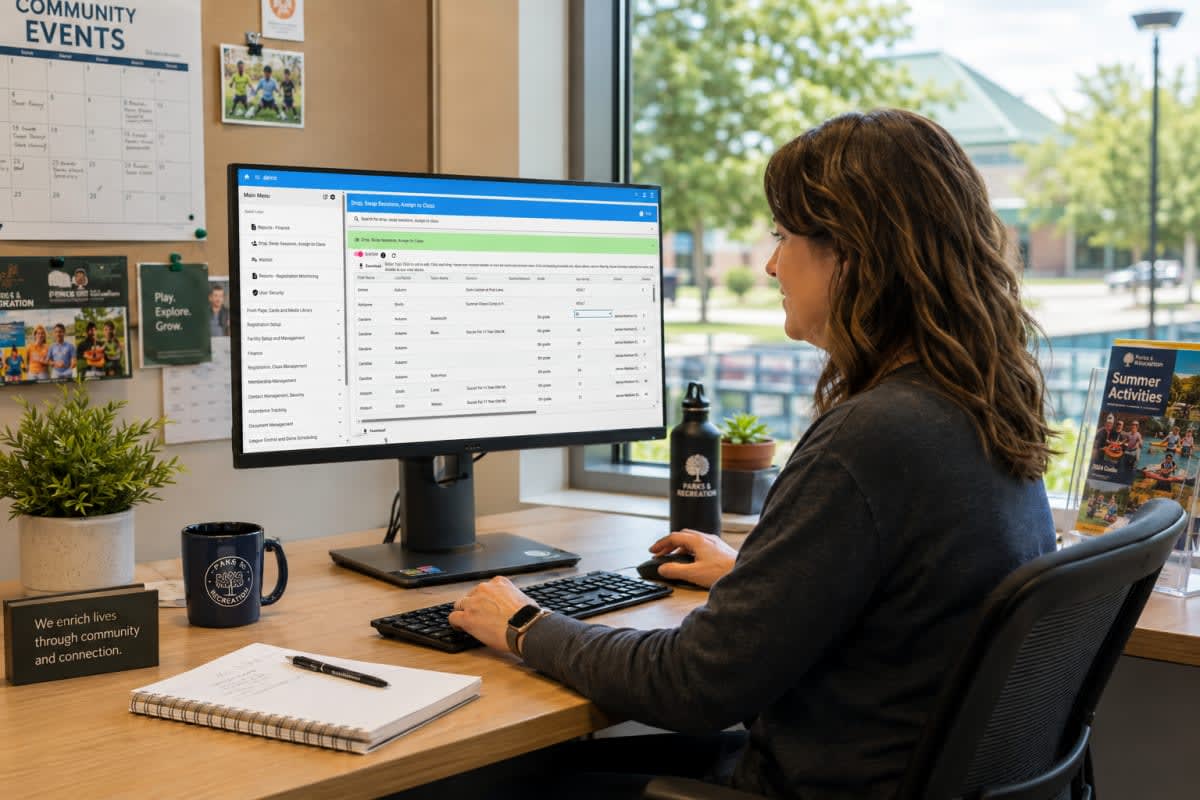
ONE RECREATION OPERATION
FOUR PERSPECTIVES. ONE DEPARTMENT.
Residents
Give your community a mobile-friendly place to explore programs, reserve spaces, purchase memberships, and manage a household account.

Front desk
Serve members, drop-in visitors, and registering families with useful records and desk tools in the same system.

Facilities
Manage booking rules, availability, approvals, rental details, and deposits. See what is happening across the rooms and spaces you run.

Finance & leadership
Review payments, outstanding balances, program revenue, participation, and facility use. Give decisions a clearer starting point.
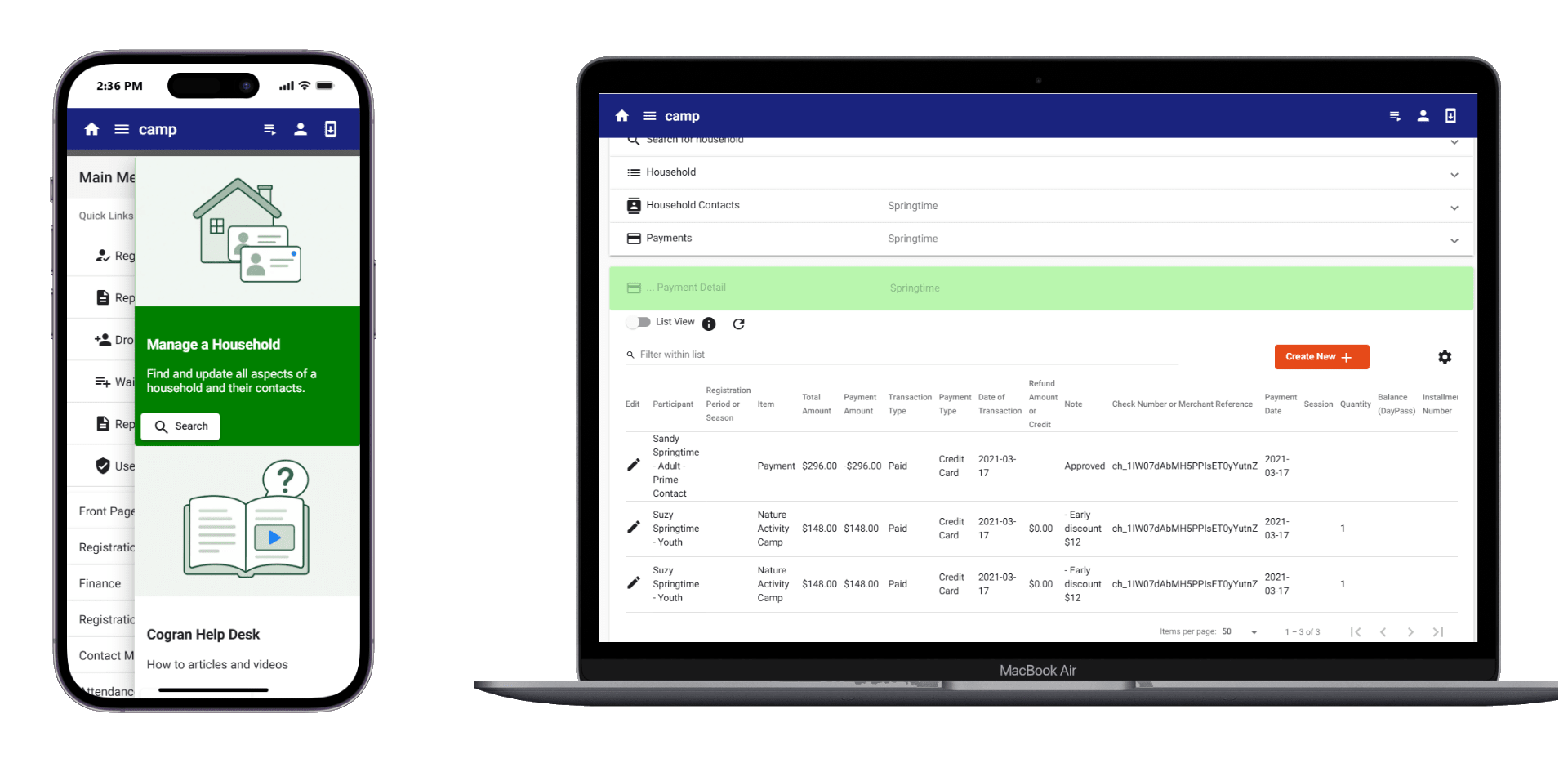
A REAL RECREATION DAY
The work changes through the day. The information should travel with it—from the people taking part to the staff preparing spaces and the team reconciling payments.
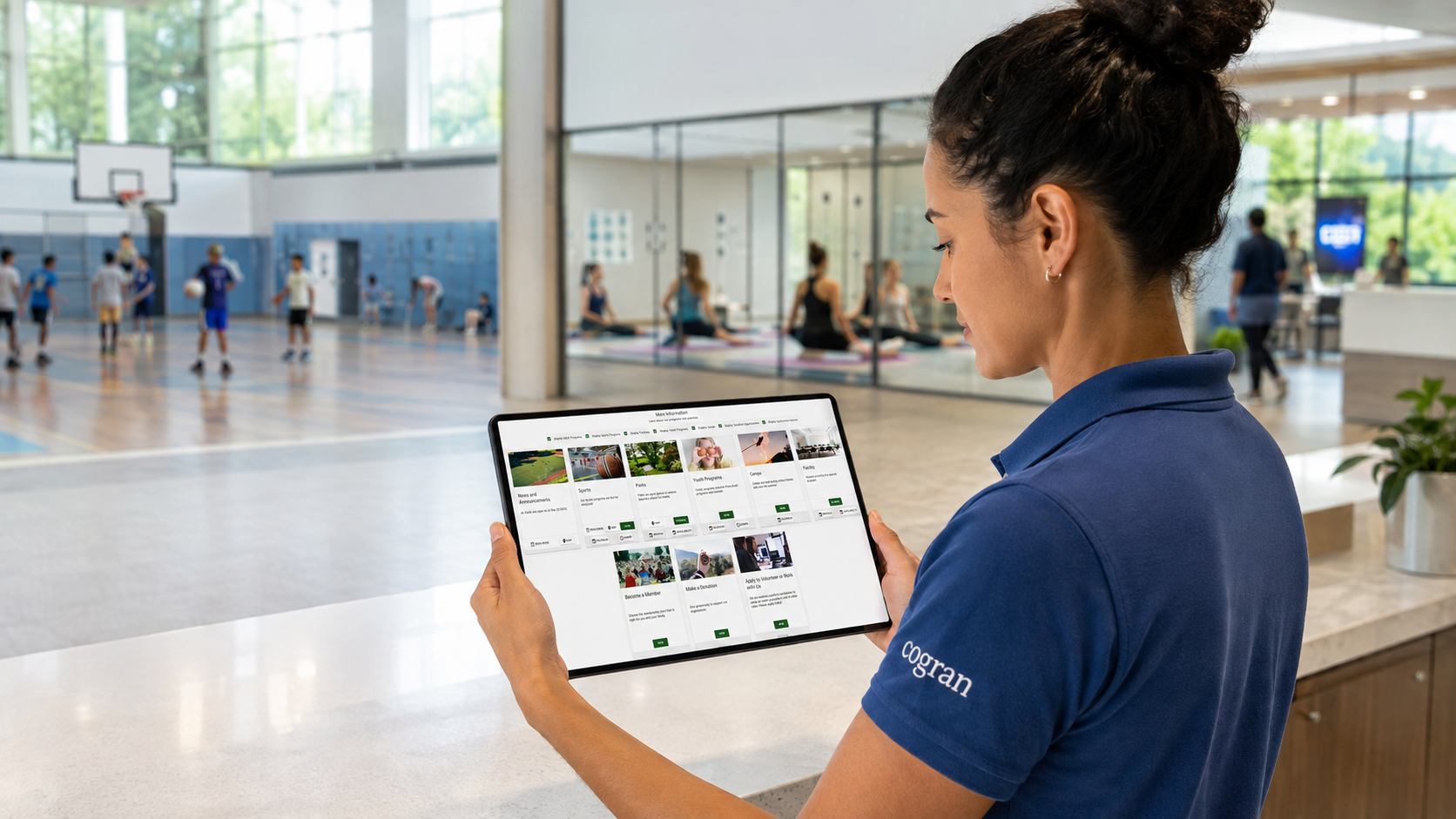
Check in members and visitors. Get today’s rosters ready for your instructors.
Review upcoming reservations, program locations, rental status, and setup details.
Review payments, balances, participation, and the reports your department needs.
YOUR DEPARTMENT’S RULES MATTER
Apply your resident pricing, discounts, scholarships, and household registration policies.
Configure how spaces can be booked, when approval is required, and what renters need to provide.
Manage memberships, member pricing, renewals, and check-in alongside your other offerings.
Give staff access appropriate to their work and use records and reports to follow activity.
CUSTOMER EXPERIENCE, IN CONTEXT
CUSTOMER-REPORTED EXPERIENCE
Angela reported increased online reservations, clearer facility details and pricing, and tools for tracking bookings and preventing double booking.
CUSTOMER-REPORTED EXPERIENCE
Josh described family accounts, support, and cost as key criteria; one household login helped staff and families through the transition.
Independent customer review summaries. Read the full customer evidence ↗
A PRACTICAL PATH TO YOUR NEXT SEASON
Bring a program registration, a facility rental, a membership, and the reporting questions your team uses.
Review registrations, reservations, members, and contacts to migrate. Define setup, training, and go-live requirements together.
Include the people who manage programs, facilities, the front desk, and finance. Use the demo to establish fit across the department.
FOR YOUR BUYING CONVERSATION
Yes. Cogran connects programs, facility reservations, memberships, sports, attendance, communications, payments, and reporting for recreation departments and community centers.
Cogran supports resident pricing, discounts, scholarships, customizable forms, rental rules, approval settings, and deposits. Test your department’s policies in the demo.
Yes. Residents use the mobile-friendly customer website and household accounts. Staff manage registration, reservations, memberships, payments, and reporting through administrator tools.
Cogran migrates registrations, reservations, members, and contacts. Review your existing data, migration scope, setup, training, and go-live requirements with the team.
Ask to review payment status, outstanding balances, aging, reconciliation, program revenue, reporting, and exports using the workflows your department manages.
Cogran is hosted on SOC 2-audited Microsoft Azure infrastructure. The Security & Compliance page contains the approved infrastructure, application safeguard, and payment-processing wording.
YOUR WORKFLOW. YOUR PERSONALIZED DEMO.
Bring your programs, facility policies, memberships, and finance questions. Let’s walk through a day that looks like yours.
Choose a time to meet, or tell us what you’d like to explore first.
LET’S START WITH YOUR OPERATION
Loading the Cogran scheduling calendar…
Your booking is confirmed. Look for Calendly’s email with your meeting details.
Loading the Cogran request form…
Prefer a conversation first? Email Katy at Cogran or call 1-800-985-9342.